Atlas New Tab
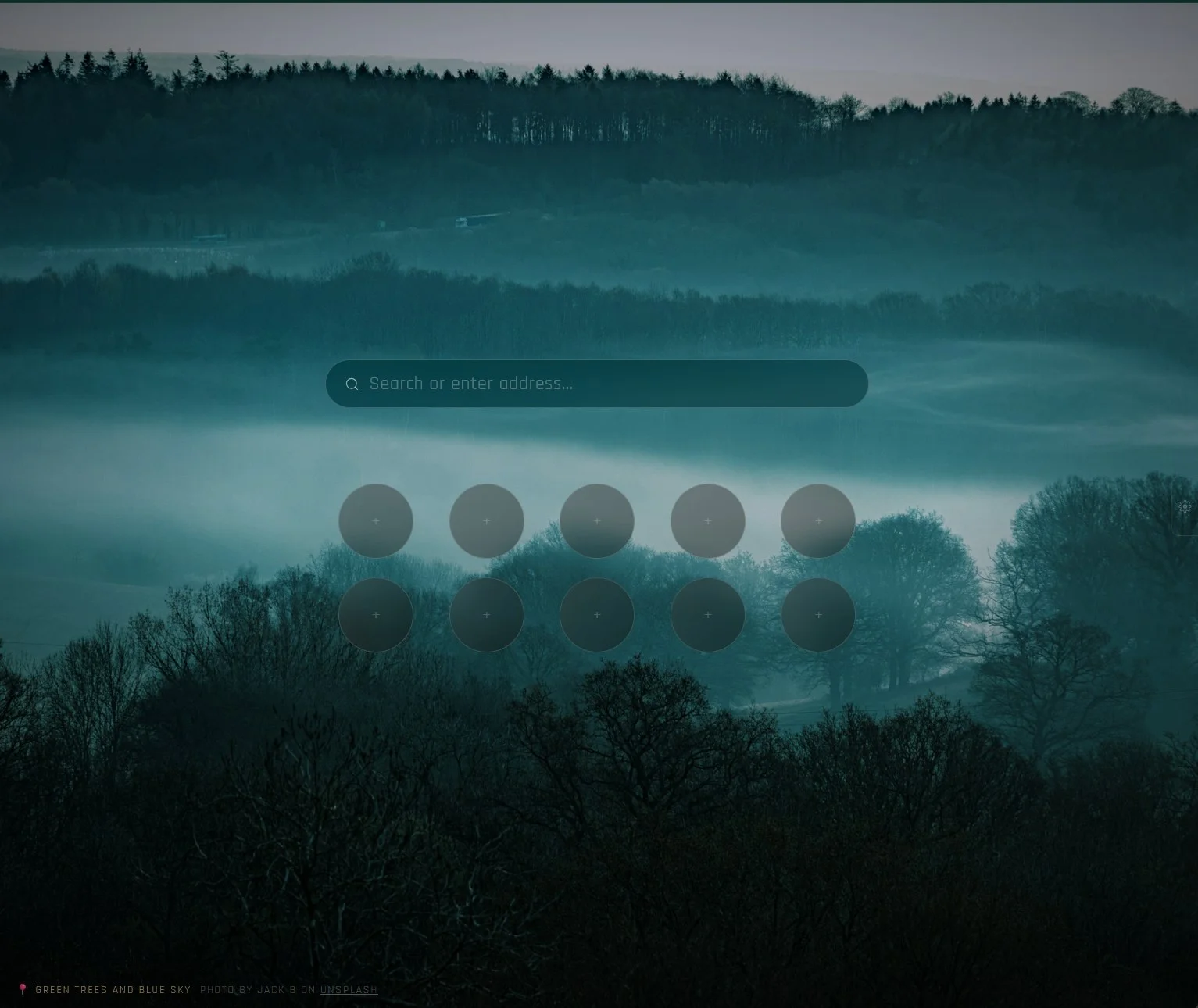
A new tab page for Firefox with a fresh Unsplash wallpaper every time, a search bar and a grid of quick links you can arrange however you like.
Features
A new wallpaper every tab
High-resolution Unsplash photos from a search you pick, with credit to the photographer.
Opens instantly
Photos are downloaded ahead of time in the background, so a new tab never waits on the network.
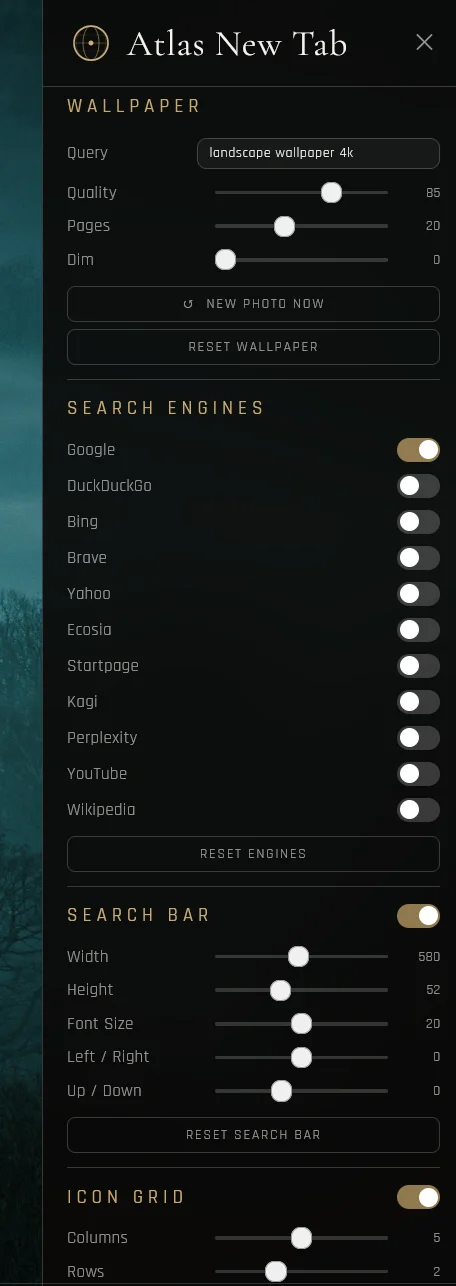
Search with your engines
Turn on the search engines you use. With just one enabled, the dropdown goes away.
Your own quick links
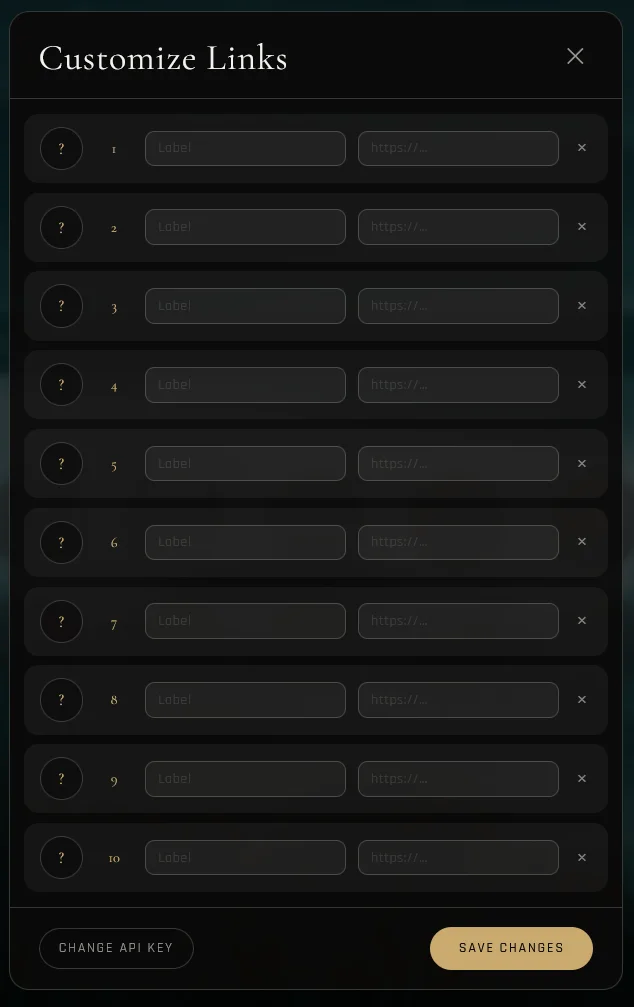
A grid of circular icons you size yourself. Add, edit and reorder links and set custom icons.
Live settings
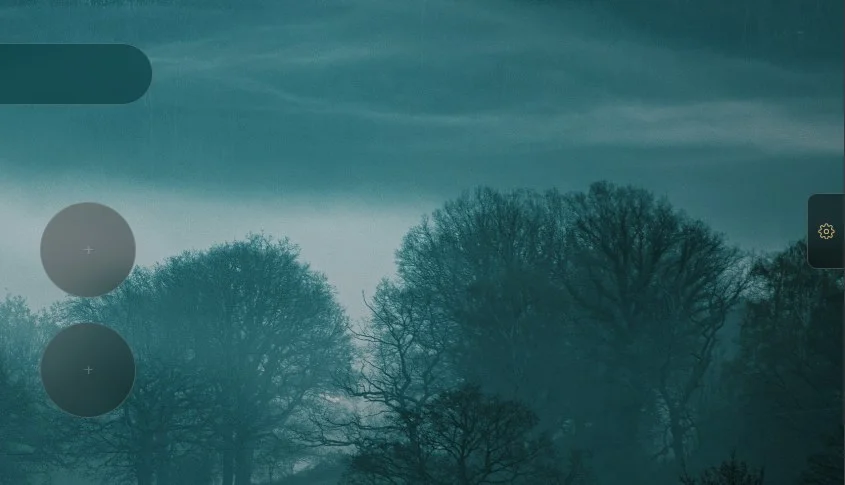
Move and resize the search bar and grid, change text sizes and the background dim, and see it update as you go.
Private
Settings stay in your browser and the only requests go to Unsplash. No tracking. Export your setup to move it between devices.
Screenshots
Getting started
- 1Install Atlas from Firefox Add-ons.
- 2Create a free app on the Unsplash developer portal and copy its Access Key.
- 3Open a new tab and paste the key on the setup screen. It stays in your browser and is never included in exports.
Photos are provided by photographers on Unsplash through the Unsplash API.